Personal Portfolio & CMS
A blog-style portfolio with a built-in content management system — built so I can publish and update projects without touching code.
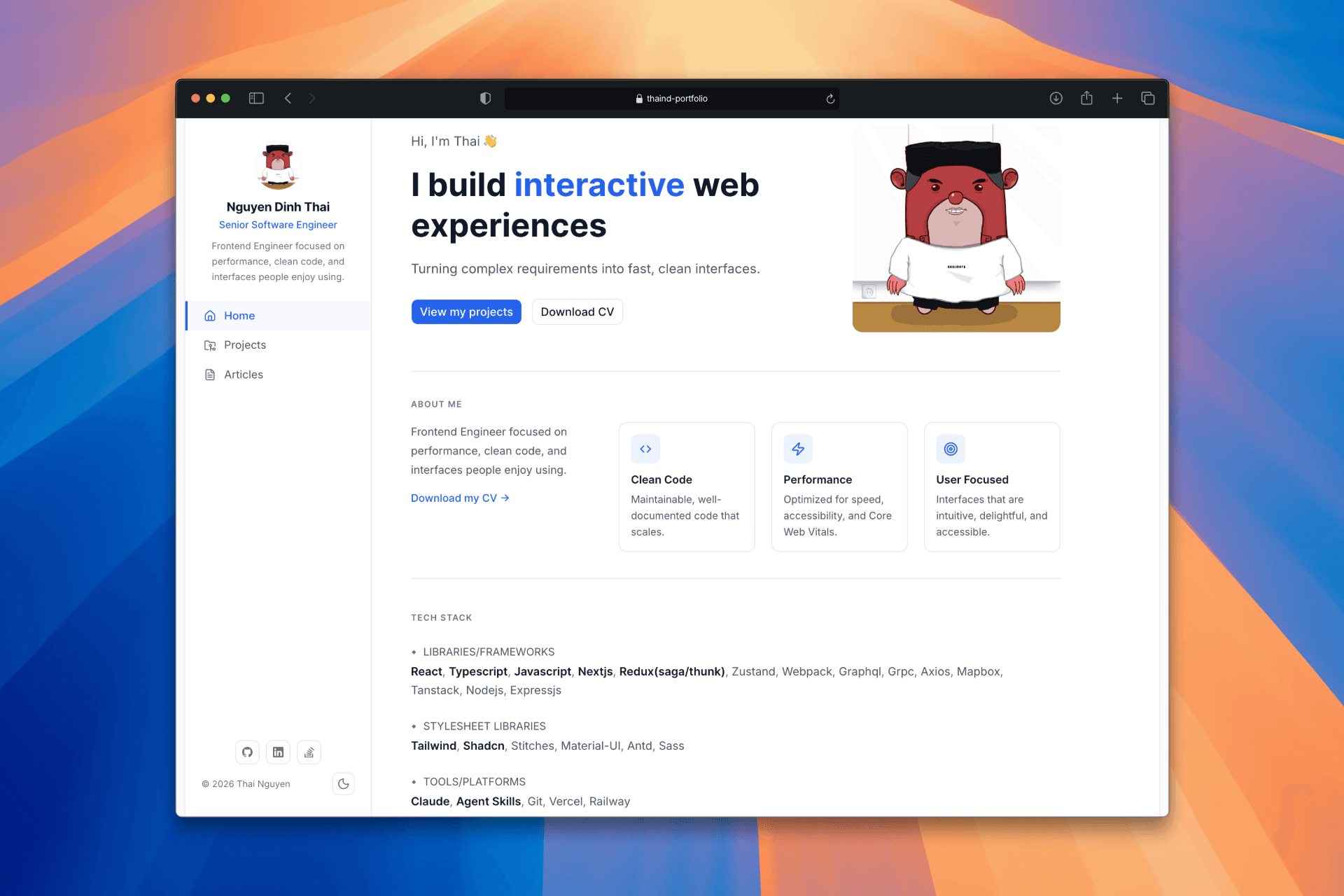
Overview
This is my personal portfolio website — the one you're reading right now. I built it from scratch as my first portfolio site, with one clear goal: own my content without ever needing to edit code or redeploy.
The result is a blog-style site with a full admin panel behind the scenes, where I can write case studies, upload images, manage tags, and publish posts — all from a browser.
Why a CMS?
Most developer portfolios are static — the content is hardcoded, and updating anything means opening a code editor, making a change, and pushing a commit. That's fine once, but it adds friction every time you want to add a new project or tweak your bio.
I wanted something closer to how a real product works: content lives in a database, the UI reads from it, and a separate admin interface handles writes. That way the site stays fresh without the overhead.
Architecture
The site is split into two surfaces:
Public site — fully server-rendered with ISR (Incremental Static Regeneration). Pages are cached and served fast, with automatic revalidation every 60 seconds when content changes.
Admin panel — a protected area at /admin that requires authentication. Built with React Server Components for data loading and Server Actions for mutations — no separate API layer needed.
Both talk to the same Supabase backend: a PostgreSQL database for content, Auth for the login system, and Storage for images and files.
Tech Stack
Next.js 16 (App Router) + React 19 — Server Components, Server Actions, ISR
Supabase — PostgreSQL database, Auth, Storage (all on free tier)
TipTap — rich-text editor for writing case studies with images and code blocks
Tailwind CSS + shadcn/ui — design system with full light/dark theme support
TypeScript — end-to-end type safety, including auto-generated DB types from Supabase
What I Learned
This project was also my first time using AI as a development tool throughout the entire build. It changed how I approach problem-solving — less time on boilerplate, more time on decisions that actually matter.